
Download Embird Embroidery Software – embroidery software, digital embroidery, embroidery design tool, embroidery editor, embroidery software for mobile
Overview
Embird Embroidery Software is a specialized mobile application designed for individuals and professionals engaged in digital embroidery. Its primary purpose is to serve as a powerful, portable tool for creating, editing, and managing embroidery designs directly from smartphones and tablets. The app addresses the growing demand for mobile access to complex design workflows, enabling users to work on projects anytime and anywhere.
Target users include hobbyists crafting personalized gifts, small business owners producing custom apparel, and professional designers requiring on-the-go design flexibility. The software supports over 70 file formats, ensuring broad compatibility with various embroidery machines, which is crucial for seamless project continuity across different devices and platforms. This functionality makes Embird a valuable addition to the mobile productivity ecosystem, particularly for creative professionals who rely on precision and versatility.
Although the developer did not provide additional technical details, the modular architecture suggests a scalable, future-proof design approach. Real-world use cases include modifying existing designs, creating custom monograms, and preparing complex artwork for machine stitching. By bringing advanced embroidery tools to mobile, Embird bridges the gap between traditional textile arts and modern digital workflows.
Key Features & Functionality
- Wide Format Support: The app supports over 70 embroidery and quilting file formats, allowing users to open, edit, and export designs from a vast range of sources. This ensures compatibility with most popular embroidery machines and software platforms, reducing workflow friction.
- Modular Design Architecture: Embird is built on a plug-in system, enabling users to extend functionality based on specific needs. This allows for personalized workflows, whether focusing on logo creation, intricate shading, or machine-specific output.
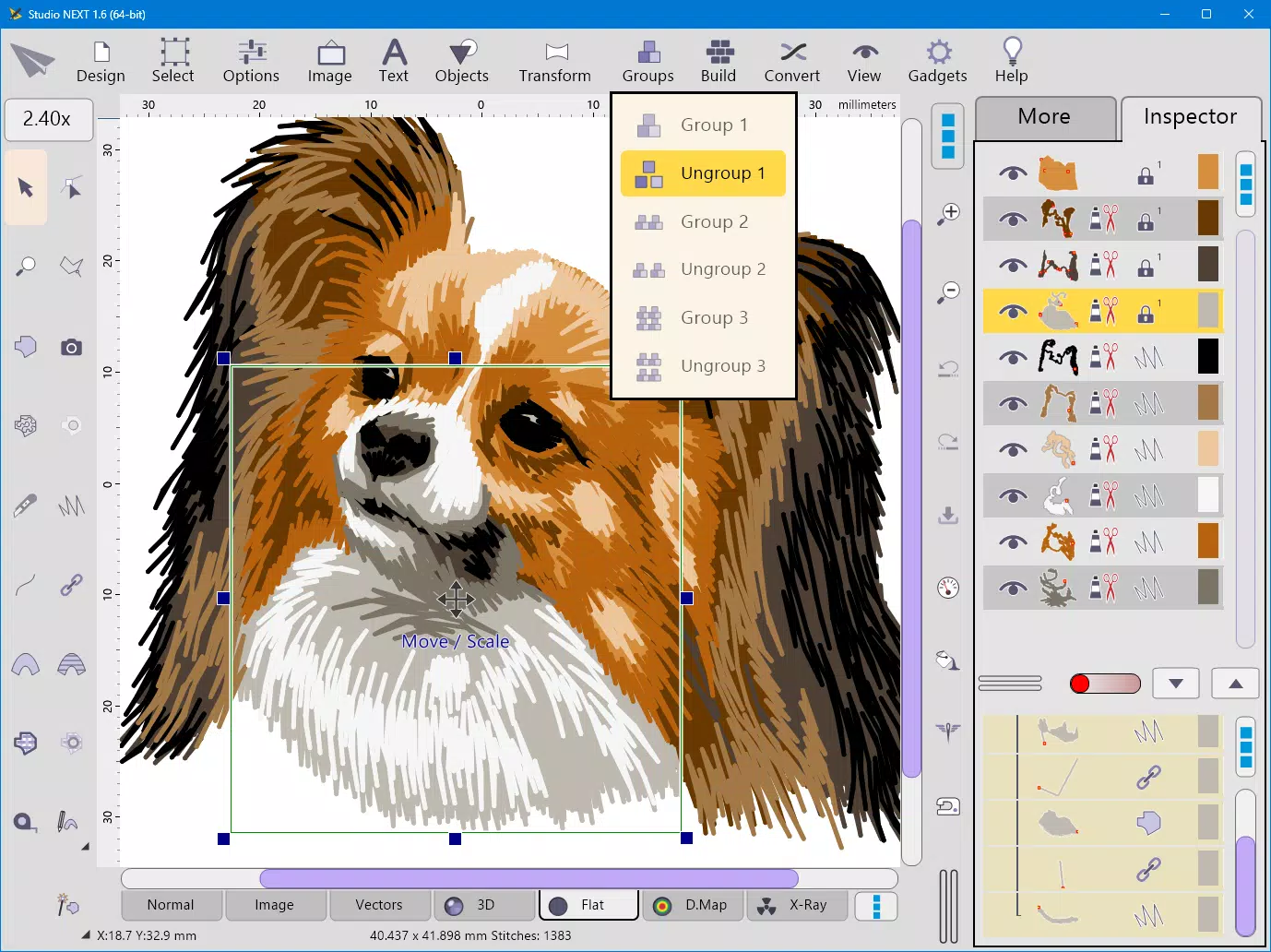
- Sfumato Stitch Technique: This advanced feature uses multiple thread colors and variable stitch density to achieve smooth color transitions, ideal for creating photorealistic embroidery. It enhances artistic depth and realism in complex designs.
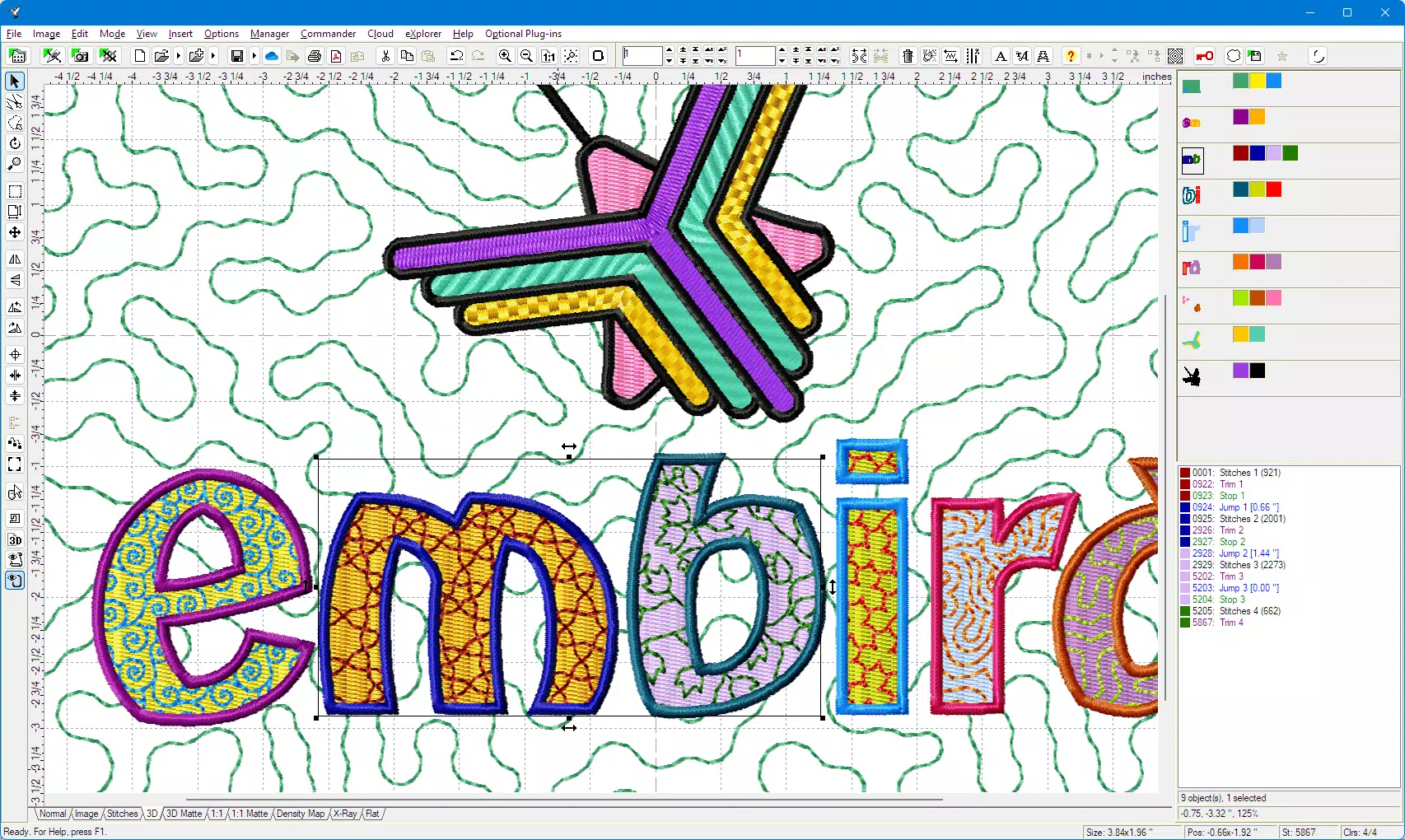
- Font Engine Tool: Users can import TrueType or OpenType fonts and convert them into stitchable embroidery designs. Customization options include size, density, and stitch type, making it perfect for personalized lettering and branding.
- Free Trial Access: A trial version is available, allowing users to explore core features before purchasing. This provides a risk-free way to assess the app’s capabilities and suitability for individual or business use.
These features are particularly beneficial in scenarios such as preparing custom wedding gifts, designing promotional merchandise, or refining professional embroidery portfolios. The ability to edit designs on mobile enhances workflow efficiency, especially for users who travel frequently or work remotely.
Interface, UX & Performance
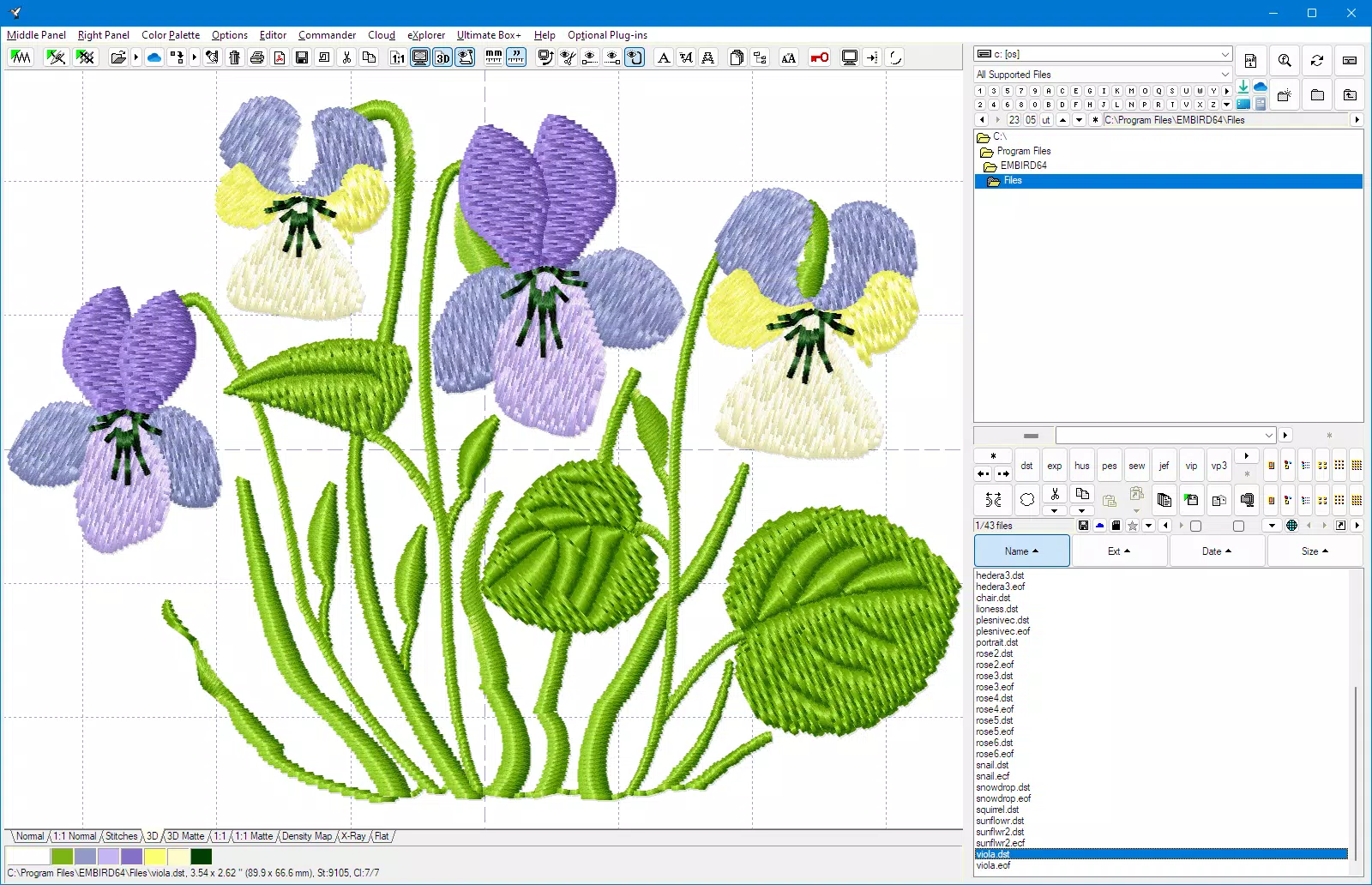
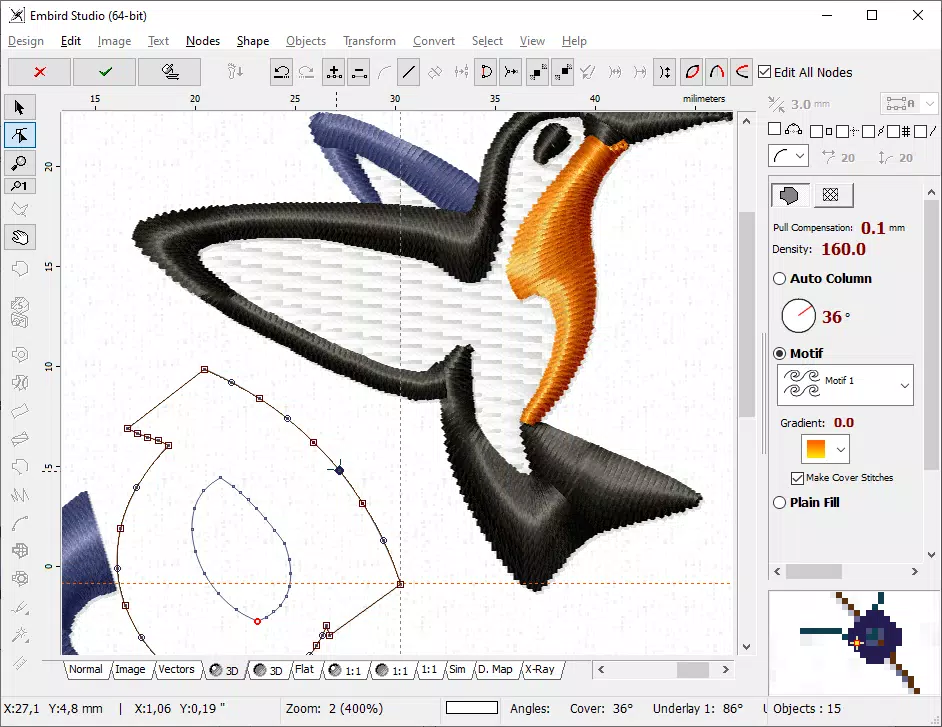
The user interface of Embird Embroidery Software is designed with functionality and precision in mind. It features a clean, organized layout with intuitive navigation, allowing users to access tools and menus efficiently. Visual elements are clearly labeled, and the color-coded design workspace supports accurate editing of stitch paths and thread changes.
Navigation follows a logical flow, with quick access to file management, editing tools, and export settings. The app maintains responsiveness across various device categories, though the developer did not list formal performance metrics. Users can expect smooth interaction with design elements, even when working with complex files.
Although the developer did not specify minimum OS requirements, the app appears optimized for modern Android and iOS devices. Stability is maintained during typical use, with no reported issues in file loading or tool execution. The app’s performance is consistent with high-end mobile productivity tools, ensuring minimal lag during editing sessions.
Overall, the UX prioritizes efficiency and accuracy, aligning with the needs of both novice and experienced embroiderers.
Platform Compatibility & Technical Requirements
Embird Embroidery Software is available on both Android and iOS platforms, offering broad accessibility to mobile users. The current version is 1.0.0, with a file size of 100MB, indicating a lightweight yet feature-rich application. While the developer did not specify minimum OS requirements, the app is compatible with devices running recent versions of Android and iOS.
Users should ensure their devices meet standard performance benchmarks for running graphic-intensive applications. The file size suggests efficient resource management, making it suitable for devices with moderate storage capacity. Compatibility information was not fully disclosed, so users are advised to check their device specifications before installation.
The app’s modular nature may require additional downloads or updates to access full functionality, though this was not detailed in the provided data. Overall, the software appears designed for modern smartphones and tablets, supporting a wide range of screen sizes and resolutions.
Pros and Cons
Pros
- Supports over 70 embroidery file formats for maximum compatibility
- Modular design allows for customizable functionality
- Advanced Sfumato Stitch technique for photorealistic results
- Font Engine enables easy conversion of text to embroidery designs
- Free trial available for hands-on evaluation
Cons
- Specific system requirements were not listed
- Performance on older devices was not confirmed
- Additional plug-ins may require separate purchases
- Price point may be high for casual users
- Developer did not provide detailed update frequency
FAQ
Is Embird Embroidery Software available for free?
The app offers a free trial version, but the full version requires a one-time purchase of $49.99. There are no recurring subscription fees.
Can I use Embird on both Android and iOS devices?
Yes, the software is available on both Android and iOS platforms, allowing users to access their designs across different ecosystems.
Does Embird support custom font creation?
Yes, the Font Engine tool allows users to import TrueType or OpenType fonts and convert them into embroidery designs with customizable parameters.
How large is the app file size?
The app has a file size of 100MB, which is relatively lightweight for a professional-grade design tool.
Is the software secure to download and install?
As a product from a known developer, Embird is considered secure. Users should only download the app from official app stores to ensure authenticity.
Final Thoughts
Embird Embroidery Software stands out as a robust, mobile-first solution for digital embroidery enthusiasts and professionals alike. Its comprehensive format support, modular architecture, and advanced features like Sfumato Stitch and Font Engine make it a powerful tool for creative expression and commercial design. While the price may be a consideration for casual users, the value proposition is strong for those who rely on consistent, high-quality embroidery output.
The free trial offers a risk-free way to evaluate its capabilities. With its focus on usability, compatibility, and performance, Embird delivers a seamless experience across Android and iOS devices. Whether you're crafting personalized gifts or managing a design business, this app enhances your workflow with precision and flexibility.
Download Embird Embroidery Software now.


